


Work isn’t becoming harder, it’s becoming more automated, and the way businesses function in 2026 looks very different from before. Work is not piling up; work is being redesigned. Businesses are not scaling teams; businesses are scaling systems. And at the heart of this revolution are AI tools for workflow automation that not only do the work but also think through the work.
- What a “Workflow” Actually Looks Like in an AI-Driven Business
- The Shift from Automation Tools to AI Systems
- Best AI Tools for Workflow Automation in 2026
- 1. Zapier: Cross-Team Automation at Scale
- 2. n8n: Flexible, Developer-First Workflow Engine
- 3: Make (Integromat): Visual Workflow Builder with Depth
- 4: Gumloop: AI-First Automation Built for Speed
- 5: Relay.app Clean Automation for Modern Teams
- 6: Stack AI: Building AI Agents for Workflows
- 7: Lindy AI: Personal AI Assistants for Business Tasks
- 8: Microsoft Power Automate: Enterprise Automation Layer
- 9: Workato: Enterprise Automation with Intelligence
- How Real Companies Build Automation Systems
- The Biggest Mistake: Treating Automation as “Set and Forget”
- Choosing the Right Tool Depends on Your Workflow Complexity
- Limitations of AI tools for workflow automation
- AI Agents Will Run Entire Workflows
- Best AI Tools for Workflow Automation
- Automation Is Not About Tools: It’s About Systems
- Frequently Asked Questions
Tasks that once required coordination between teams are now being handled automatically through structured workflows. Follow-ups, support, onboarding, and reporting: everything is happening through the automation layer powered by AI.
It’s not just about speed anymore; it’s the intelligence driving the decisions that has changed. The decisions that used to be made through the judgment of the teams are now being made through the judgment of AI.
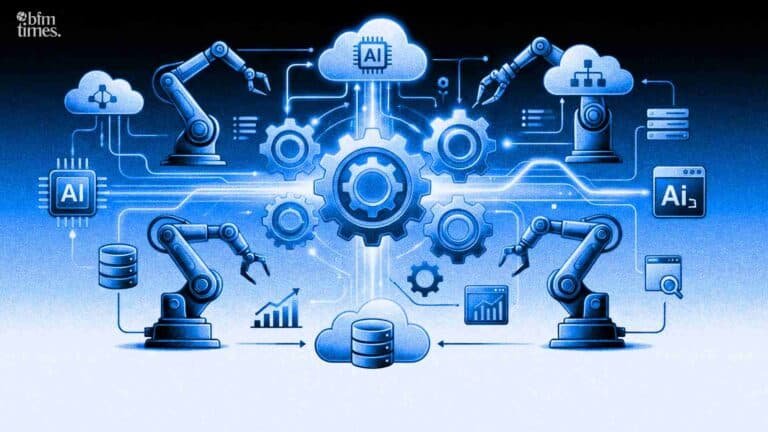
AI SaaS platforms are powering modern workflow automation by combining cloud access with intelligent decision-making capabilities.
Modern platforms aren’t just focused on automation they’re built to combine automation with the power of AI. You are not just mapping the workflow; you are building the system that not only understands the inputs but also decides what the next step is.
What a “Workflow” Actually Looks Like in an AI-Driven Business
In 2026, a workflow is no longer just a sequence of steps, it’s a system driven by decisions. At its core, a workflow still remains a series of connections between tools and actions, but now, with the help of AI, there is a level of decision-making. No longer is a workflow simply a series of “if this, then that,” but now, with the help of AI, a workflow is more like “understand this, then determine that, and finally act on it.”
AI workflow automation tools are designed to handle repetitive tasks while making smarter decisions based on real-time data.
For example, a workflow typically connects a series of tools, such as a CRM, email, database, and analytics, and moves data through those tools, but with the help of AI tools for workflow automation, this series of tools and actions is no longer static, which is why there is a difference in AI process automation and traditional automation.
No longer are businesses using traditional workflows, but now, with the help of AI, businesses are using adaptive workflows, which change based on behaviors and data.
Typical workflow example:
- Lead captured from website
- AI qualifies leads based on intent + data
- CRM gets updated automatically
- A personalized email is generated and sent
This is where AI productivity tools start compounding, not by doing more tasks but by removing decision bottlenecks.
The Shift from Automation Tools to AI Systems
Traditional automation tools were built on simple trigger-based logic when one thing happens, it sets off another. That approach worked in a predictable environment, but modern business is far more dynamic and no longer follows fixed patterns.
What’s changed is the role of AI tools for workflow automation. Instead of a logical model, a decision is made on a model. And that’s the difference between a traditional automation tool and a business automation AI tool.
AI agents are now capable of:
- Understanding context from messy data
- Making decisions based on probability
- Taking actions across multiple tools
The biggest insight here is that automation is no longer about executing tasks; it’s about orchestrating outcomes. And that takes intelligence.
Best AI Tools for Workflow Automation in 2026
1. Zapier: Cross-Team Automation at Scale
Zapier is considered one of the most popular and widely used tools for AI automation due to its simplicity and extensive integration capabilities. In 2026, Zapier is not just a simple tool for creating triggers but is also an AI-enhanced workflow tool that allows users to add logic, filters, and even AI without any coding. Zapier is being used by teams to integrate different tools for marketing, sales, and operations into a unified workflow. The most important advantage of Zapier is simplicity, but simplicity also poses some challenges in terms of flexibility.
Best for:
- Non-technical teams automating across tools
- Strong integration ecosystem
- Limitation: Less control for complex workflows
2. n8n: Flexible, Developer-First Workflow Engine
This has made n8n the first choice for those who need full control over their automation. It is different from other no-code platforms in that it can be customized. In the context of artificial intelligence-based workflows, n8n enables teams to simply plug in models, APIs, and logic into workflows. It is used for creating backend automation systems, such as data pipelines and artificial intelligence-based decision-making. It has a high learning curve.
Best for:
- Advanced workflows and custom logic
- High flexibility and control
- Limitation: Learning curve for non-tech users
3: Make (Integromat): Visual Workflow Builder with Depth
Make has become a visual powerhouse for complex workflows, with its interface providing a clear view of how data moves through a particular step in a process. This makes Make ideal for debugging complex workflows, which is a key aspect of its use in 2026, where Make will incorporate AI modules directly into a workflow, allowing for dynamic decision-making processes.
Best for:
- Complex, multi-step workflows
- Visual debugging and control
- Limitation: Can get complex at scale
4: Gumloop: AI-First Automation Built for Speed
It is designed specifically for AI-native workflows. Unlike other tools, Gumloop is designed under the assumption that AI is not optional but a requirement for any workflow. This makes it ideal for operations teams looking to leverage automation quickly and with minimal setup required.
Best for:
- AI-first automation workflows
- Fast setup and deployment
- Limitation: Limited ecosystem compared to older tools
5: Relay.app Clean Automation for Modern Teams
Relay.app, on the other hand, is designed with simplicity and clarity in mind. It is ideal for teams looking to leverage structured workflows without any complexity in their processes. It is designed with a strong focus on human-in-the-loop automation, which makes it ideal for operations, HR, and finance teams. It is ideal for environments where automation needs to stay controlled.
Best for:
- Team-based workflows with approvals
- Clean and structured automation
- Limitation: Not ideal for deeply complex systems
6: Stack AI: Building AI Agents for Workflows
Stack AI is the shift towards agent-based automation. Rather than building up to the workflow, the user specifies the outcome, and the agent does the work. It connects LLMs with tools to allow workflows where the AI can reason through the work. It is used for business customer support automation, copilots, and knowledge workflows. It is powerful and growing.
Best for:
- AI agent-driven workflows
- Complex decision-making tasks
- Limitation: Requires experimentation and tuning
7: Lindy AI: Personal AI Assistants for Business Tasks
Lindy AI primarily works on developing AI assistants that can handle repetitive work within a workflow. Rather than static automation, Lindy AI works on developing dynamic AI assistants that can handle emails, scheduling, and follow-ups. It’s not so much about building workflows, but more about delegating work to an AI assistant.
Best for:
- Task-level automation with AI assistants
- Productivity-focused workflows
- Limitation: Limited deep system integrations
8: Microsoft Power Automate: Enterprise Automation Layer
Microsoft Power Automate still leads in the enterprise segment. It is integrated well with the Microsoft ecosystem, allowing businesses to automate workflows across applications such as Outlook, Teams, and SharePoint. In 2026, AI will be integrated through Copilot, allowing for more intelligent workflows.
Best for:
- Enterprise-grade automation
- Deep Microsoft ecosystem integration
- Limitation: Less flexible outside the Microsoft stack
9: Workato: Enterprise Automation with Intelligence
Workato is an automation and integration tool. Workato is for companies that require robust workflows. The tool is built for companies that require robust workflows. With AI being integrated into recipes (workflows), Workato facilitates intelligent decision-making. Workato is used for finance automation, HR workflows, and integration. Workato is a powerful tool, but it is also very costly.
Best for:
- Enterprise automation systems
- Scalable and reliable workflows
- Limitation: Expensive for smaller teams
How Real Companies Build Automation Systems
Here’s what most blogs overlook: workflows don’t exist in isolation. Real companies don’t just automate processes; they build systems. The marketing workflow is connected to the sales workflow. The support workflow is connected to the product insights workflow.
By 2026, companies are assembling stacks of tools to build more advanced automation systems. There’s one tool for data intake, another for processing with AI tools for workflow automation, and another for executing actions. This is not a line; this is a loop. And the loop is where the magic happens.
Example system:
- Data, AI processing
- Automation, execution
- Reporting, feedback
The insight is simple: individual workflows save time, but systems create leverage.
The Biggest Mistake: Treating Automation as “Set and Forget”
Automation breaks down more often than most people realize. Failing can occur when APIs change, data formats change, or edge cases occur. And then there is the extra layer of uncertainty with AI, as the behavior can change depending on the inputs.
So, the concept of “set and forget” is not good.
In reality, today’s AI workflow tools need ongoing monitoring, adjustments, and fine-tuning to perform effectively. The reality is that while automation reduces the work required, it increases the system’s responsibility. Someone still needs to “own” the system.
Choosing the Right Tool Depends on Your Workflow Complexity
There isn’t a single “best” tool only the one that fits the level of complexity you’re working with.
For simple workflows like sending emails or syncing data, tools like Zapier can handle the job effectively. However, as complexity increases, more control, customization, and logic are required.
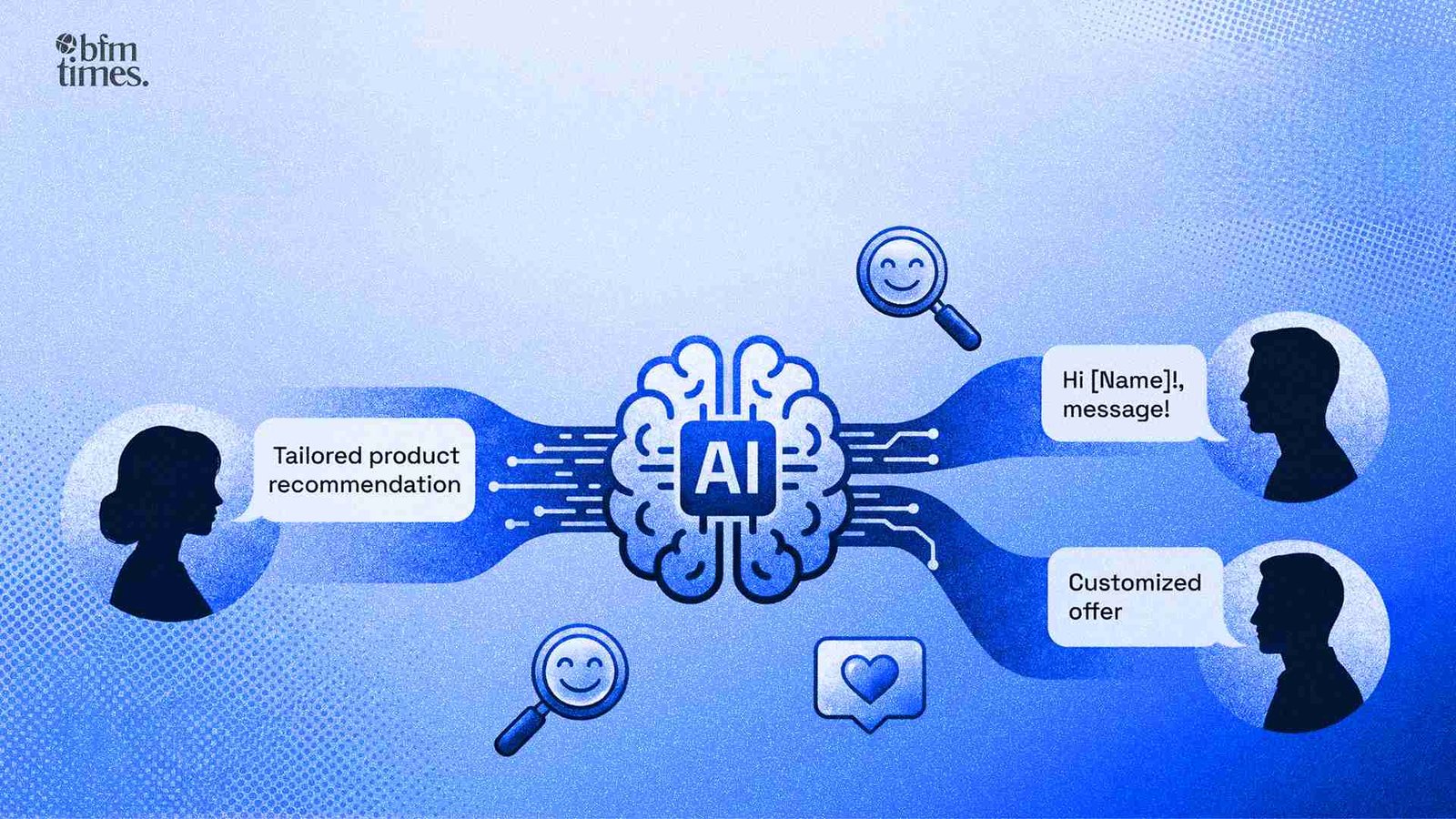
AI personalization tools help tailor workflows and user experiences based on real-time behavior and data insights.
Simple vs advanced:
- Simple, Zapier
- Advanced, n8n / Make
- AI-first, Gumloop
Choosing incorrectly leads to either over-engineering or hitting limitations too early.
Limitations of AI tools for workflow automation
It’s not magic, there are always trade-offs to consider.
There are integration gaps; not all tools work well together. Costs can increase due to scale, particularly for those involving AI processing. And debugging can be more difficult since workflows are not necessarily deterministic.
AI workplace tools streamline daily operations by automating routine tasks and improving how teams collaborate.
Limitations:
- Integration gaps
- Cost at scale
- Debugging complexity
The key insight: automating some work means you’re more dependent on technology. If the technology fails, everything fails.
AI Agents Will Run Entire Workflows
This shift is already happening around us. No longer are AI agents simply helping. No longer are they simply executing. The future of workflows won’t look like this: We’ll specify a goal. An AI agent will build a workflow. And execute it. We won’t have multiple agents working in concert. An agent for data, for communication, for analysis. This is where workflow automation AI meets the concept of autonomous systems. Studies have already proven that workflows can be built by AI agents with high accuracy. The next step? Reliability. And we’re on the cusp of that.
Best AI Tools for Workflow Automation
| Tool | Best For | Strength | Limitation |
| Zapier | Simple cross-tool automation | Huge integrations | Limited flexibility |
| n8n | Advanced custom workflows | Full control | Technical learning curve |
| Make | Complex visual workflows | Deep visibility | Complexity at scale |
| Gumloop | AI-first automation | Fast AI setup | Smaller ecosystem |
| Relay.app | Structured team workflows | Human-in-loop | Limited depth |
| Stack AI | AI agent workflows | Intelligent automation | Still evolving |
| Lindy AI | AI assistants | Task automation | Limited integrations |
| Microsoft Power Automate | Enterprise workflows | Microsoft ecosystem | Less flexible outside it |
| Workato | Enterprise automation systems | Scalable + reliable | Expensive |
Automation Is Not About Tools: It’s About Systems
Most people focus on tools, but those who succeed focus on building systems. AI tools for workflow automation through artificial intelligence are merely building blocks. The key is how you connect those blocks, how you design those flows, and how you maintain those flows over time. The winners in 2026 won’t be the ones who have the most tools. They’ll be the ones who use those tools most effectively.
A SaaS AI business uses cloud-based tools to automate workflows, improve decision-making, and scale operations efficiently.
Key takeaway:
- Tools help
- Systems scale
- Strategy wins
Frequently Asked Questions
What are AI tools for workflow automation?
AI tools for workflow automation are platforms that connect apps, automate tasks, and use AI to make decisions within workflows. They go beyond simple triggers by adding intelligence to processes.
Which is the best AI automation tool in 2026?
It depends on your needs. Zapier is great for simple workflows, while n8n and Make are better for complex systems. Gumloop is ideal for AI-first automation.
Do AI workflows replace human work completely?
No. They reduce repetitive work but still require human oversight, especially for decision validation and system monitoring.
Are AI workflow tools expensive?
Costs vary. Simple tools are affordable, but advanced workflows, especially with AI, can become expensive at scale due to processing and integration costs.
How do I start with workflow automation AI?
Start small. Automate one process, test it, and expand gradually. Focus on building systems rather than isolated workflows.
Disclaimer: BFM Times acts as a source of information for knowledge purposes and does not claim to be a financial advisor. Kindly consult your financial advisor before investing.