


Creating a presentation used to mean hours of staring at blank slides, adjusting layouts, and hunting for the right images but in 2026, AI has completely changed that process. Enter a few prompts and let AI create your perfect presentation. No matter if you’re a student, a marketer, or any other professional, AI presentation tools will save you plenty of time in the process. Find below the best AI presentation tools that might come in handy in 2026.
- What Are AI Presentation Tools and Why Do They Matter?
- How Is AI Transforming PPT Automation in 2026?
- Which Are the Top AI Presentation Tools in 2026?
- 1. Gamma
- 2. Beautiful.ai
- 3. Canva Magic Design
- 4. Microsoft PowerPoint Copilot
- 5. Tome
- 6. SlidesAI.io
- 7. Plus AI
- What Key Features Should You Look for in AI Presentation Tools?
- Who Should Use AI Presentation Tools?
- What Tips Help You Get the Most Out of AI Presentation Tools?
- What Does the Future of AI Presentation Tools Look Like?
- Conclusion
- Frequently Asked Questions (FAQs)
What Are AI Presentation Tools and Why Do They Matter?
AI presentation tools are software applications allowing one to automate, design, and create presentations through a few prompt inputs. Thus, one just needs to provide a brief text describing his or her vision and wait until AI produces a complete slide deck.
AI presentation tools are helpful because:
- They save you hours of effort when designing presentations manually
- Automatically apply various layouts, fonts, and color schemes to your slide deck
- Are capable of generating both texts and visuals together
- Easily exported to .PPTX file or PDF or Google Slides format
Currently, we observe an increasing number of businesses, startups, educators, and others applying AI presentation tools.
How Is AI Transforming PPT Automation in 2026?
Earlier, AI presentation tools were able to perform simple actions like adding layout templates to slides or generating images. However, in 2026, there are much more opportunities for such tools. Specifically, current AI presentation tools can simultaneously research a topic, generate the piece of content, choose the right layout, and produce graphics. Some AI presentation tools even allow one to follow how his or her audience interacts with the slide deck.
However, one of the greatest innovations of AI presentation tools in 2026 consists in how AI is applied here. Currently, AI is perceived not as a part of automation technologies but as an assistant in the process of creating presentations. In particular, it allows one to design the right layout, keep track of the goal of each slide and remain brand-consistent throughout.
Most AI presentation tools in 2026 are based on the application of LLMs, which analyze the input text and generate a professionally designed slide deck based on your text prompts. This is part of a much broader shift in how generative AI is being applied across industries, and our guide on top generative AI tools to use in 2026 gives you a wider picture of what is possible right now.
Which Are the Top AI Presentation Tools in 2026?
| Tool | Best For | Free Plan | Starting Price | PPTX Export |
| Gamma | Speed & pitching | Yes | $10/month | Yes |
| Beautiful.ai | Design quality | No | Custom | Yes |
| Canva Magic Design | Visual design | Yes | Free / $15/month | Yes |
| PowerPoint Copilot | Enterprise users | No | ~$30/month add-on | Native |
| Tome | Storytelling | Limited | $16/month | Limited |
| SlidesAI.io | Google Slides users | Yes | Paid tiers vary | Via Google Slides |
| Plus AI | Advanced users | No | Paid tiers vary | Yes |
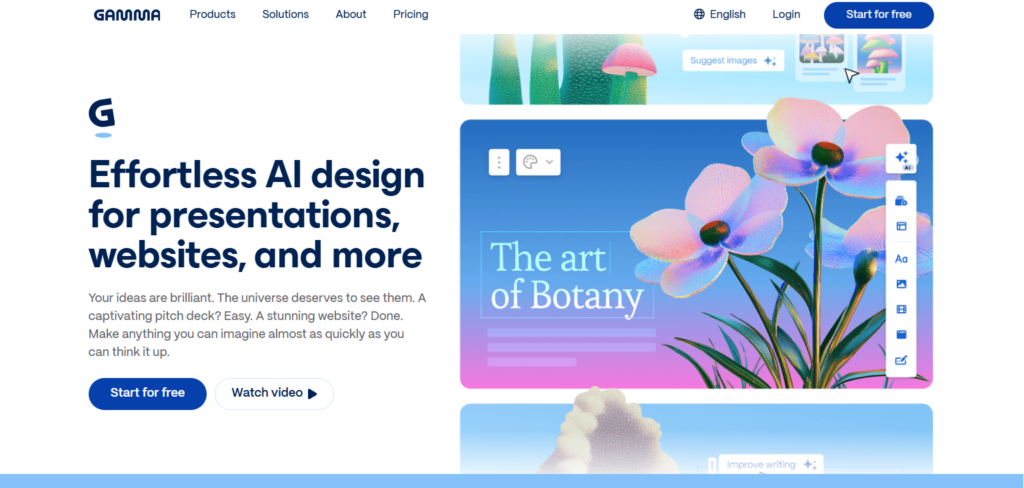
1. Gamma
Gamma is one of the fastest AI presentation tools on the market in 2026. The company started building its product specifically around AI technology.
Pros:
- Faster prompt-to-slide deck experience than any other option on this list
- Modern clean design output
- Built-in AI image generator
- Ability to generate and export PPT/PDF files
- Provides viewer analytics to monitor interactions
- AI presentation API available for enterprise use
Cons:
- Strictly web native; PPT/PDF export might require additional editing
- Shows Gamma branding on all free-plan exports
Best Use Case: Startups and professionals, especially when making pitch decks
Visit Website:gamma.app
2. Beautiful.ai
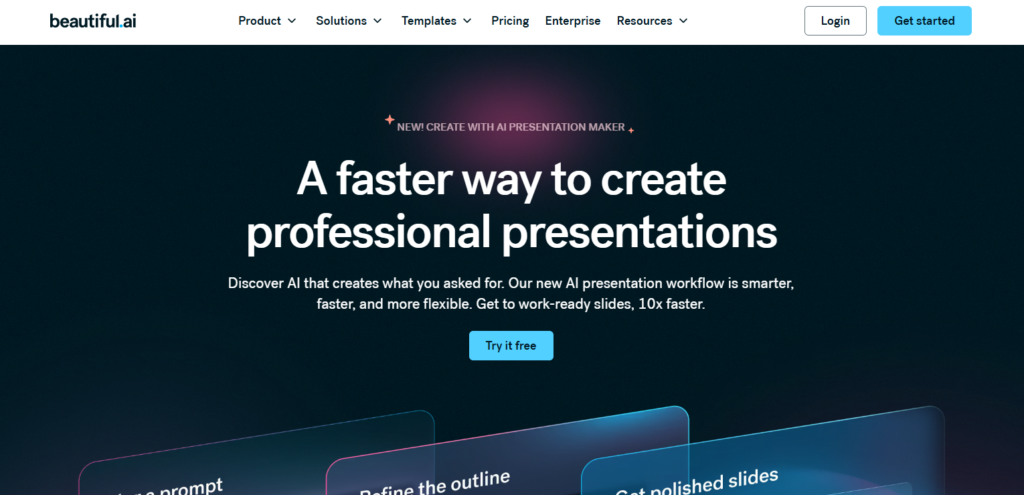
Beautiful.ai uses unique Smart Slides technology, which adapts spacing, alignment, and other elements as users add content to their presentation.
Pros:
- Prevent broken designs using Smart Slides
- Very strong branding capabilities; maintains consistent theme
- Iterative AI design experience edit outline then generate slides
- Compatibility with Powerpoint for import and export
- Collaborative functionality makes it great for teams
Cons:
- Focuses more on design automation than topic research
- More expensive than many other options
Best Use Case: Business professionals, consultants, corporate teams, marketing department
Visit Website:beautiful.ai
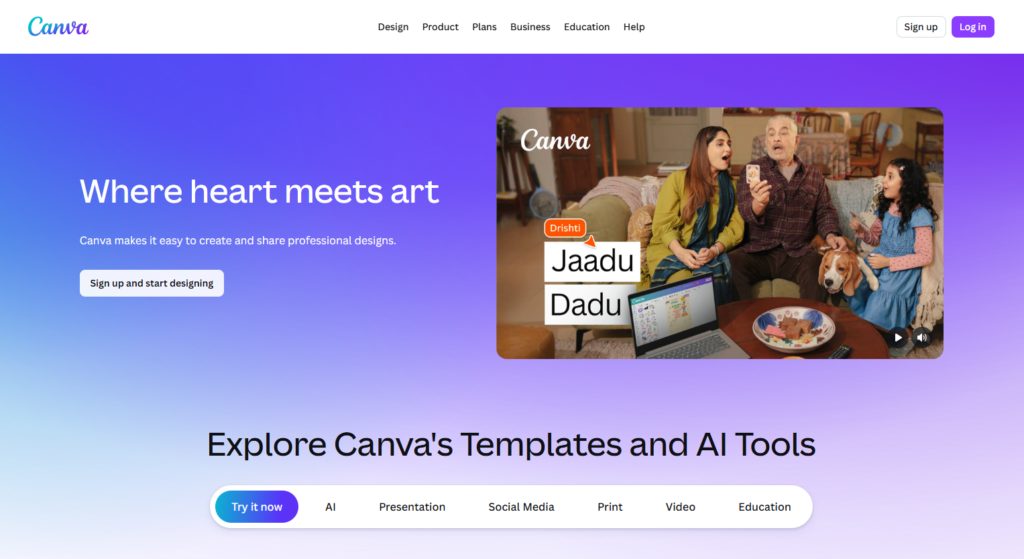
3. Canva Magic Design
Canva’s Magic Design offers the unique combination of the magic of AI and the extensive libraries and design tools of Canva.
Canva is also one of the strongest tools for social media content beyond presentations. If you use it for marketing work, pairing it with the best AI tools for social media marketing can significantly speed up your entire content workflow.
Pros:
- Large database of templates, icons, and images
- Auto-generate layouts, colors, and fonts based on prompts
- Magic Write creates text content on all slides automatically
- PPT/PDF export available for presentations
- Great for presentations but also social posts, PDF documents, etc.
Cons:
- Design-first approach leads to less detailed text content
- Templates may appear too common among Canva users
Best Use Case: Visual generalists, marketers, social media creators, educators
Visit Website: canva.com
4. Microsoft PowerPoint Copilot
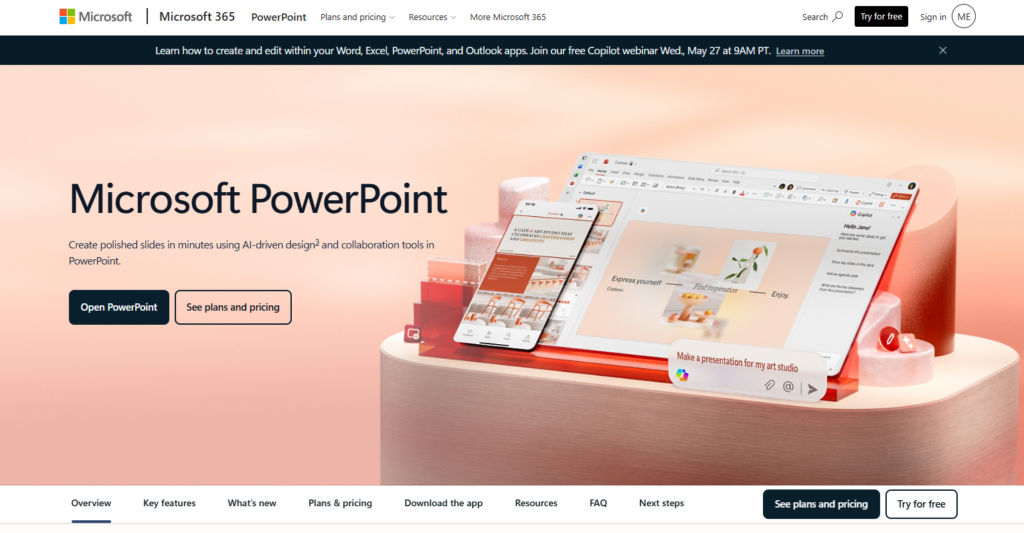
Microsoft’s Copilot is its own AI addition to the long-standing Powerpoint application, making it more advanced than ever.
Pros:
- Creates a whole deck from text prompts in Powerpoint
- Summarizes existing presentations automatically
- Suggests improvements to design and speaker notes
- Integrated with Microsoft 365 system
- Best option for enterprise and corporate users
Cons:
- Needs subscription to Microsoft 365 (about $30/user/month)
- Less flexibility than native AI options like Gamma
Best Use Case: Enterprise and corporate professionals using Microsoft 365
Visit Website:microsoft.com/en-us/microsoft-365/powerpoint
5. Tome
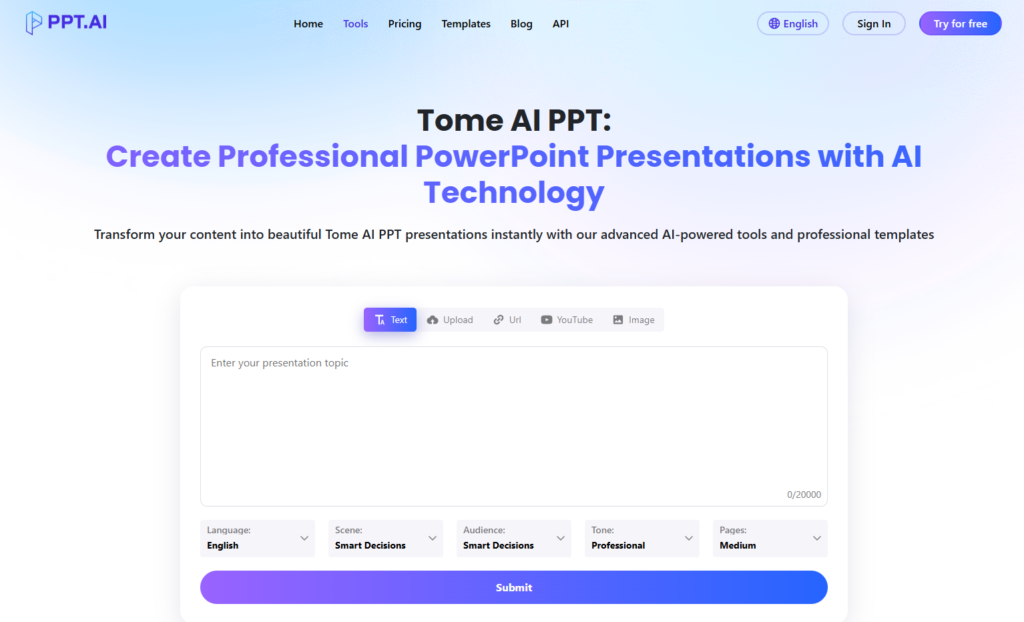
Tome is a presentation creation app focused on storytelling. When you have a story to tell, Tome is probably the best choice.
Pros:
- Full automation of presentation creation from prompt/outline
- Great visual storytelling experience
- Real-time collaboration for teams
- Tile canvas provides flexibility for multimedia content
- Integration with Google Docs, Figma, Airtable, etc.
Cons:
- Sometimes breaks layouts while exporting PPT/PDF
- AI presentation tools free plan offers minimal AI capabilities
- Less suited for clients’ decks that require perfect PPT/PDF export
Best Use Case: Vision decks inside the organization
Visit Website: tome AI
6. SlidesAI.io
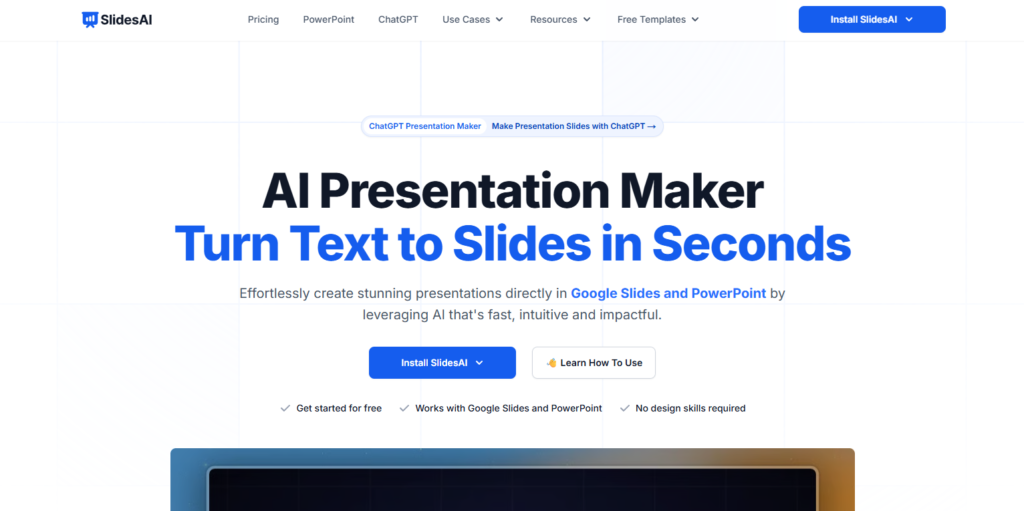
SlidesAI.io is a Google Workspace Add-On. As such, it transforms any text into Google Slides presentations directly. Many people use it since it makes Google Slides more powerful.
Pros:
- Built directly into Google Workspace environment
- Turns any text into a structured slide deck in a matter of minutes
- A variety of presentation types available: educational, sales, conference, and others
- Super intuitive and user-friendly application
- Ability to add either custom or AI-generated images to slides
Cons:
- Works strictly within Google Workspace ecosystem
- Usage limitations in the free plan
Best use: educators, students, Google Workspace users, content-to-slides transformation
Visit Website:slidesai.io
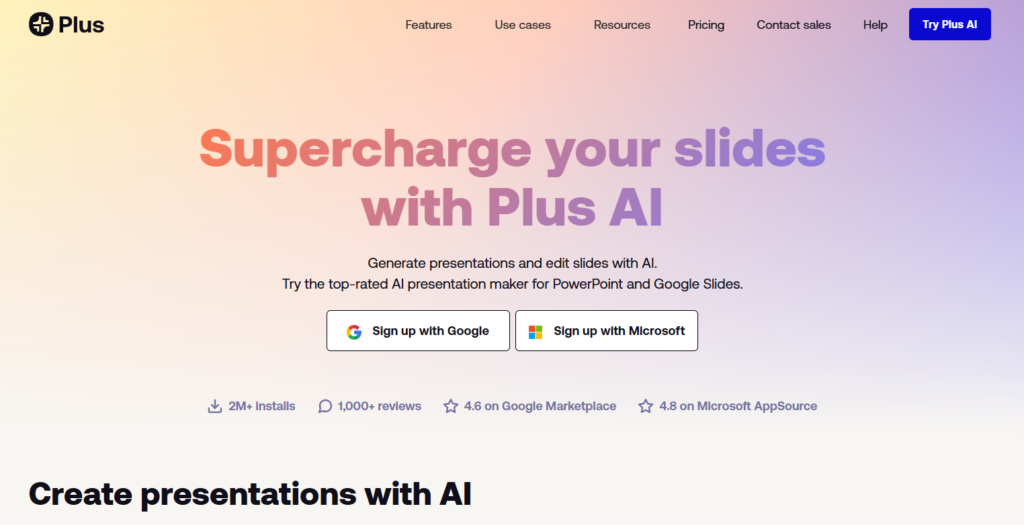
7. Plus AI
Plus AI aims to empower those people who are already experienced with creating slides in PowerPoint or Google Slides. As such, it doesn’t replace PowerPoint or Google Slides but adds some AI power to them.
Pros:
- Works directly as a plugin for PowerPoint or Google Slides
- Creation of extremely high-quality slide content for a slide type chosen
- The feature of remix, i.e., adjusting both texts and layouts instantly thanks to AI
- Hundreds of options to choose your slide type from
- Feature of Live Snapshot making automatic data updates possible
Cons:
- Less effective for those who never created presentations previously
- Comparatively smaller user base in comparison with Canva or Gamma
Best use: experienced PowerPoint and Google Slides users, data-driven presentations
Visit Website:plusai.com
What Key Features Should You Look for in AI Presentation Tools?
Not all AI presentation tools operate in a similar manner. When choosing an appropriate one for yourself, pay attention to the following characteristics:
- Content generation quality: Does this AI produce quality and useful slide content? In good AI presentation tools, you’ll get well-structured and relevant texts on slides.
- Design automation. Is this AI able to adjust layout, fonts, spacing? Best AI presentation tools automatically design every slide, leaving no room for manual adjustments.
- Export compatibility: Can you export your presentation to .PPTX and/or PDF? If you work for or with clients requiring PPTX format, this is vital.
- Brand consistency: Can you upload your logos, color schemes, and fonts? If you want to maintain your slide deck consistent with your brand, use brand kits.
- Collaboration features: Is there an opportunity to work with a team in real-time? Useful for those involved in marketing, sales, and other areas where teamwork is required.
- Free tier availability: Can you try a free tier before buying? Yes, most of the best AI presentation tools offer a free tier to start with.
Who Should Use AI Presentation Tools?
Almost everyone who creates presentations should benefit from the AI assistance. However, here are those groups of people who may particularly benefit from this:
- Startup founders need investor pitch decks. Try Gamma or Tome.
- Are on-brand visuals crucial for marketing teams? Choose Canva and Beautiful.ai.
- Educators and students want to present information clearly. Go for SlidesAI.io.
- Salespeople: Data-backed and persuasive decks needed? Try Plus AI or Tome.
- Enterprise teams need to stay brand-consistent? Try PowerPoint Copilot and Beautiful.ai
For marketers and sales professionals especially, AI presentation tools work best as part of a larger toolkit. Pairing them with AI tools for sales automation can help you move from creating a great deck to closing the deal faster.
What Tips Help You Get the Most Out of AI Presentation Tools?
There are several tips that can help you maximize the benefits of using AI presentation tools. Here are some of them:
- Create a detailed prompt. The more specific you are in your prompt, the more useful AI-generated content will be. Include your target audience, purpose, and tone in your prompt.
- Set up your brand kit first. Make sure that you upload your logo, select colors, and choose fonts. This will ensure consistency across all generated presentations.
- Review the AI outline. The vast majority of presentation AI tools present the outline before they build the slides. You should edit the outline first before creating a whole deck.
- Use remixing, regenerating, and adjusting features. Do not rely solely on auto-generation; use editing options to tweak particular slides further. They often produce much more effective results.
Inspect the exported presentation thoroughly. Before sharing the AI presentation, you must inspect the PPTX file to make sure that there are no broken layouts.
What Does the Future of AI Presentation Tools Look Like?
The future of AI presentation tools looks extremely promising. Check out these predictions about what we will see in 2026 and beyond:
- Voice-to-Slide Workflows You will be able to speak out your idea, and the AI tool will instantly generate the whole deck.
- Automatically Updating Slides. AI tools will connect to live data sources, which will allow automatic updating of data-related slides.
- Integration with CRM and Analytics. Presentation AI will automatically generate personal decks for each sales team member based on the information from the CRM system.
- Multi-Agent AI. Currently, some tools already utilize several AI models to generate slides simultaneously. This makes slide generation even faster and more efficient.
The innovations happen fast, and soon the things we do in 10 minutes now would become possible within 10 seconds. For anyone curious about where AI is heading across all these tools and industries, our breakdown of the future of generative AI trends maps out what is coming between now and 2030.
Conclusion
The appearance of AI presentation tools has simplified the process of creating outstanding presentations. Whether you are looking for an amazing pitch deck, a business presentation, or a lesson, you will find the perfect tool for your task. Gamma, Canva Magic Design, Beautiful.ai, and PowerPoint Copilot are the leaders of the market in 2026. Choose a suitable tool based on your requirements, brand kit, and budget. With these amazing presentation tools, you will be able to save at least several hours every week. If you are also looking to automate other areas of your workflow, exploring AI tools for workflow automation is a natural next step.
Frequently Asked Questions (FAQs)
What are the best AI presentation tools in 2026?
The best AI presentation tools in 2026 include Gamma, Beautiful.ai, Canva Magic Design, Microsoft PowerPoint Copilot, Tome, SlidesAI.io, and Plus AI. Each tool stands out by its unique features. Gamma is one of the fastest presentation builders, while Beautiful.ai offers the highest quality designs.
Are AI presentation tools free to use?
Most AI presentation tools provide a free plan. However, it is usually limited to basic functions only. Gamma, Canva, and SlidesAI.io are available for free. Unlimited generation, brand kit, and PPTX export usually cost between $10 and $20 per month.
Can AI presentation tools export to PowerPoint (PPTX)?
Almost all top-notch AI presentation tools support exporting to PowerPoint (PPTX). These tools include Gamma, Beautiful.ai, Canva, and Plus AI. Always preview the exported deck before sending it to a client or team.
Disclaimer: BFM Times acts as a source of information for knowledge purposes and does not claim to be a financial advisor. Kindly consult your financial advisor before investing.